
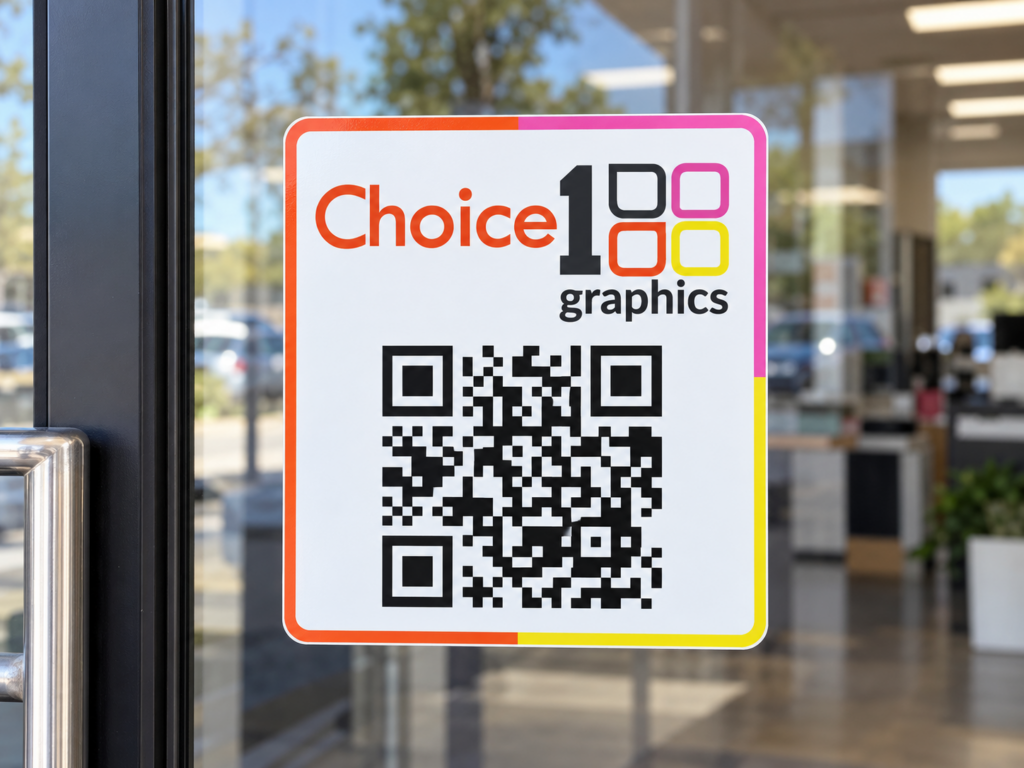
QR codes are everywhere now and that’s both good and bad news. Good: people actually scan them, unlike five years ago when they ignored them. Bad: a lot of QR codes on print are placed lazily and provide no value, training people to start ignoring them again. If you’re going to use one, use it right.
The code is not the offer
The biggest QR code mistake on print is just dropping the code with the words “Scan for more info.” More info about what? Why should I scan? The space around the code has to give the reader a reason to lift their phone. “Scan for our spring menu,” “Scan to claim 15% off,” “Scan to book — no calling needed.” Specificity makes the difference.
Where it goes matters
Scanning a QR code requires the viewer to hold their phone steady about 6-18 inches from the code. That works on a menu, a flyer, a yard sign, or a wall poster. It doesn’t work on a billboard or the side of a moving truck. Match the placement to a context where someone can actually scan it.
Size it correctly
The minimum readable QR code size on print is about 0.8 inches square at typical reading distance. For yard signs and posters where the viewer is farther away, scale up — 3-4 inches at minimum for something read from across a room. Too small and phones can’t read it; too large and it looks like you don’t trust the design.
Send people somewhere useful
A QR code that opens your homepage is a missed opportunity. The link should drop people exactly where they want to be after scanning: the specific menu item, the booking page, the form, the offer. Make a dedicated landing page if needed. Don’t make scanners navigate.
Track if you can
Use a QR code generator that gives you a tracking URL so you can see how many scans your print campaign actually produced. If you spent $400 printing 1,000 flyers and got 12 scans, that’s important information. If you got 200 scans, you’ve found a channel that works.
QR codes are a powerful bridge between print and digital — when they’re used thoughtfully. We can help you design them into your print pieces and build the landing pages they should point to.
Let’s bring your project to life.
Choice1Graphics can help with this — every job we mentioned here, we do in-house at our Webster shop. Have a project in mind? Reach out for a free quote or stop by 505 S Main St, Webster.